

Maximising Printer Efficiency: Maintenance, Cartridge Care, and Reducing Waste
A well-maintained printer with properly managed cartridges delivers consistently excellent results while minimising operational costs. Most printing problems stem not from equipment failure but from neglect dried print heads, clogged nozzles, and improperly stored cartridges all compromise performance and waste resources. Implementing straightforward maintenance routines and understanding proper cartridge handling extends printer lifespan, improves print quality, and significantly reduces the operational costs frustrating many users. Quality supplies and maintenance guidance support this effort, ensuring your printing infrastructure functions reliably and efficiently.
Regular Cleaning and Preventive Maintenance
Print head clogs represent the most common printer problems, occurring when ink dries within nozzles preventing proper ink flow. Regular cleaning cycles typically accessible through printer settings dislodge dried ink and maintain clear nozzles. For inkjet printers, running cleaning cycles monthly, or immediately after extended periods without printing, prevents clogs before they develop into costly problems. Laser printer maintenance involves cleaning paper path sensors and output trays, removing accumulated dust and toner particles that interfere with operation. External cleaning with appropriate materials removes accumulated paper dust without introducing contaminants inside the printer. Establishing simple monthly maintenance routines prevents 80% of common printer problems, ensuring reliable performance without technical service calls.
Proper Cartridge Installation and Handling
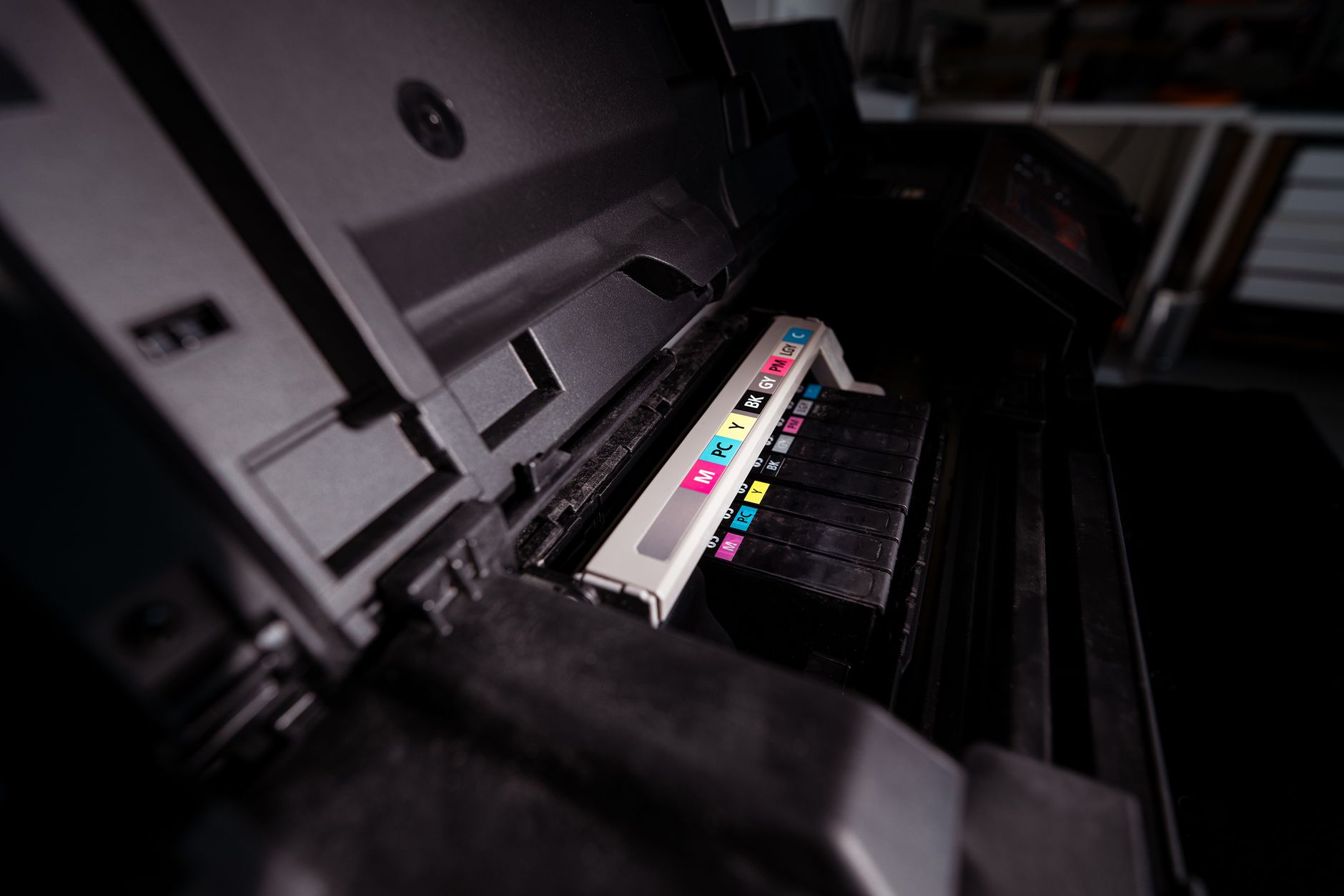
Cartridge installation procedures seem straightforward but improper handling causes unnecessary problems. Installing cartridges with printer power off prevents electrical surprises and reduces risk of accidental damage. Following manufacturer-specific installation steps precisely ensures proper seating and electrical connections. Protective seals and tape shouldn’t be removed until immediately before installation; premature removal allows ink to dry unnecessarily. Handling cartridges minimally prevents dust and fingerprint contamination affecting print heads. When cartridges arrive, inspect them immediately for damage and store unused cartridges in original packaging in cool, dry conditions. High-quality supplies with protective packaging arrive in excellent condition when handled appropriately from receipt through installation.
Storage Best Practices
Unused cartridges stored improperly degrade faster, reducing shelf life and creating waste. Excessive heat accelerates ink degradation, while moisture can cause seal failures and ink leakage. Ideal storage temperatures remain between 60–80°F with humidity below 60%. Original cartridge packaging protects contents far better than alternative storage solutions; keeping cartridges in sealed boxes maintains protection throughout their shelf lives. Never store cartridges vertically or upside down, which can cause ink separation or leakage. Organised storage systems preventing cartridge loss or damage save money and frustration. Rotating stock using oldest cartridges first—ensures supplies never expire unused. Properly packaged cartridges with storage guidance help you maintain supplies in optimal condition until use.
Print Head Maintenance for Inkjet Printers
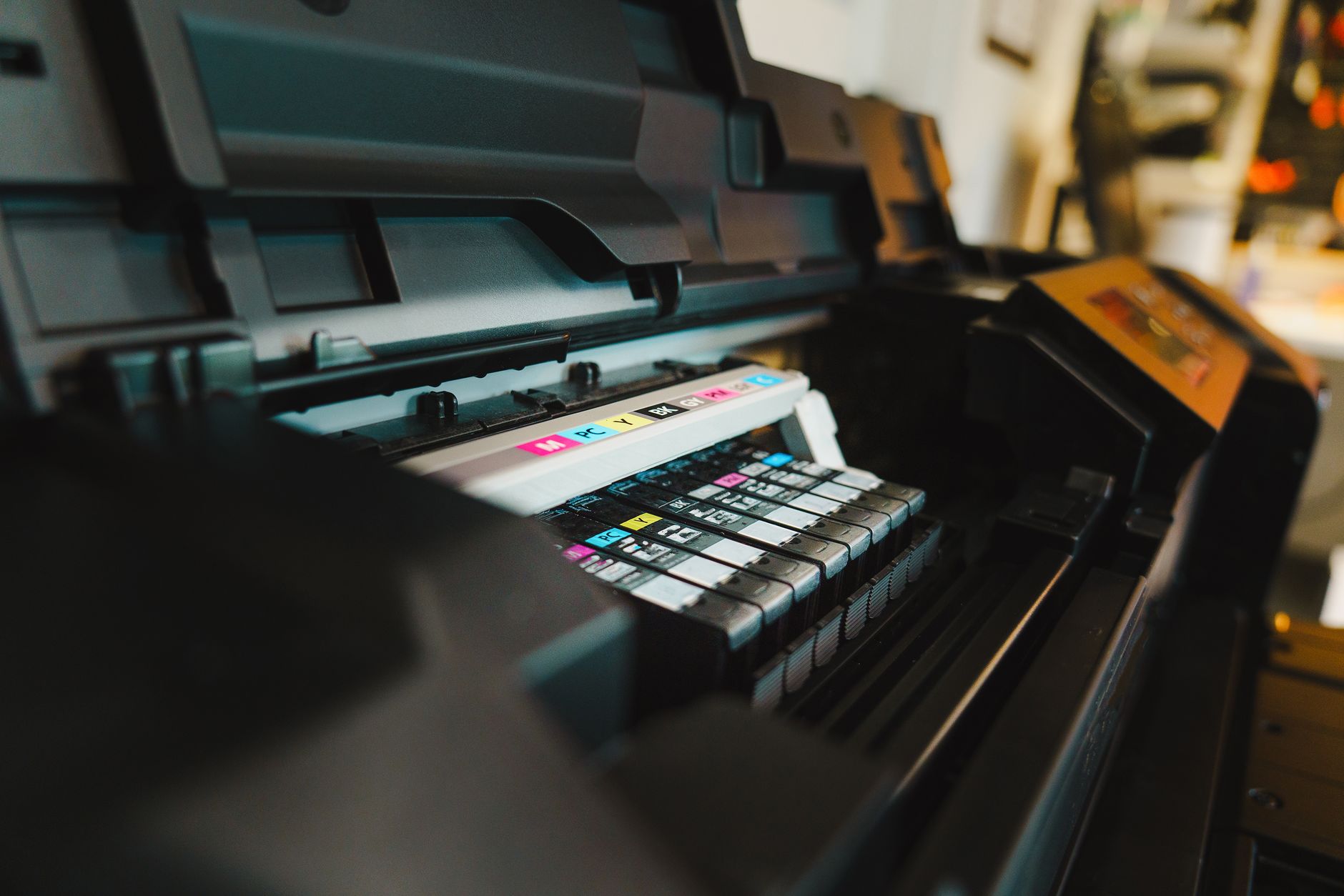
Inkjet print heads are precision instruments requiring careful treatment. Beyond software-initiated cleaning cycles, manual cleaning removes stubborn deposits software alone can’t address. Distilled water on cotton swabs gently cleans print head nozzles without introducing contaminants. Never use tap water or harsh chemicals that damage precision components. Some stubborn clogs require extended soaking in distilled water or specialised cleaning solutions, though most respond to standard cleaning cycles. Understanding when manual cleaning helps versus when technical service is necessary prevents damage from inappropriate interventions. Modern printers increasingly integrate self-cleaning into normal operation, reducing manual maintenance requirements compared to older models.
Optimising Print Settings for Efficiency
Printer settings dramatically impact both print quality and cartridge consumption. Using draft or economy modes for routine documents reduces ink usage without noticeably compromising quality. Selecting black-only printing for text documents prevents unnecessary colour cartridge depletion. Adjusting saturation and brightness for specific document types optimises appearance while minimising waste. Scaling documents appropriately prevents unnecessary reprints from incorrect sizing. Two-sided printing cuts paper consumption in half, reducing waste without altering cartridge usage. Previewing documents before printing catches errors preventing wasted cartridge usage on misprinted pages. These simple adjustments create substantial cumulative savings without requiring investment in hardware upgrades. Supplier resources and guides help users understand optimal settings for different document types and quality requirements.
Environmental Considerations and Recycling
Printer cartridges are classified as hazardous waste due to ink components, making proper disposal environmentally important. Many retailers accept empty cartridges for recycling, often providing modest credits toward replacement purchases. Manufacturer recycling programs accept used cartridges for proper disposal or remanufacturing. Never dispose of cartridges in regular trash where they may leach contaminants into groundwater. Environmental responsibility aligns with economic benefit; remanufactured cartridges reduce waste while saving money, creating genuine win-wins for conscious users.
Troubleshooting Common Issues
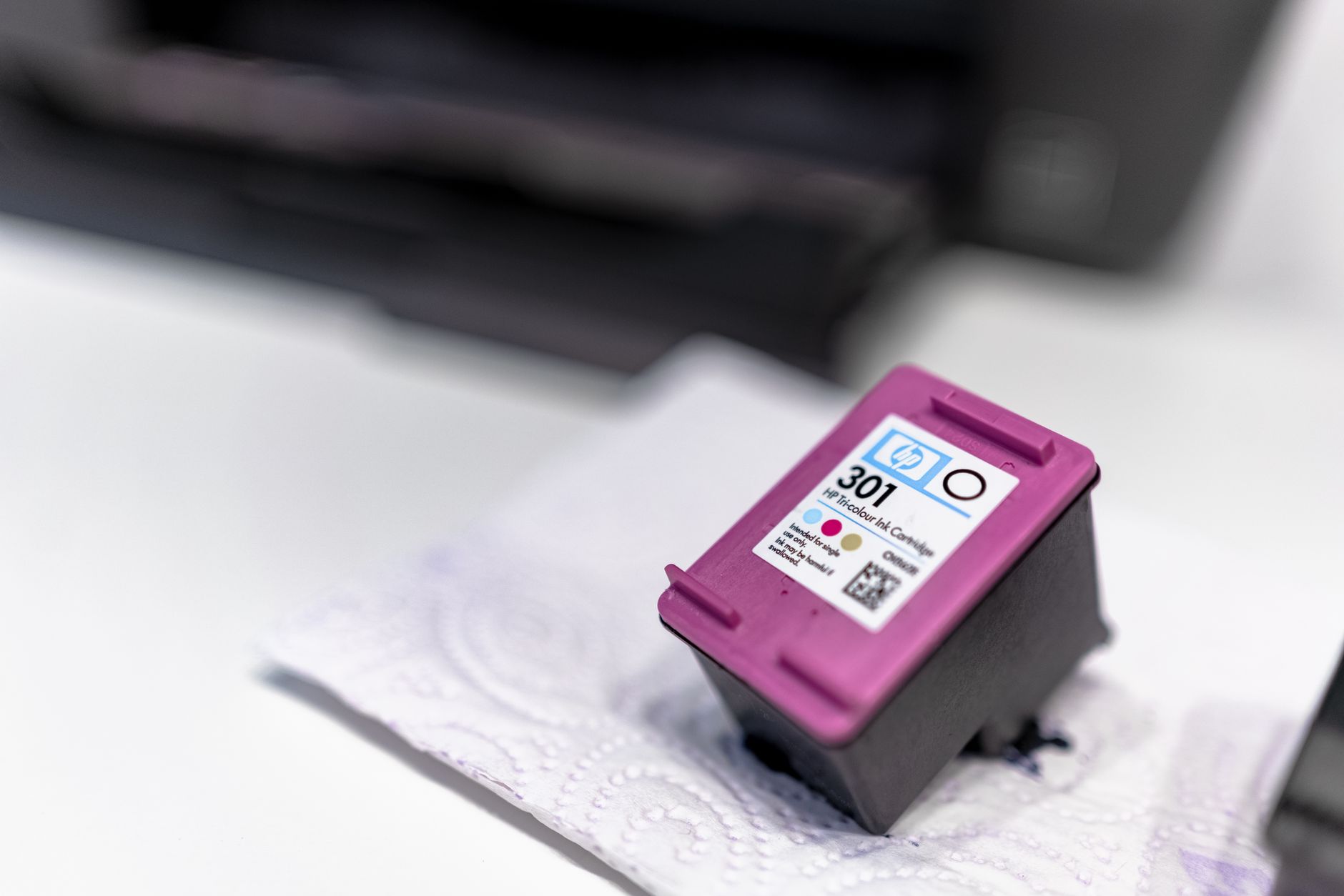
Faint or streaky printing often indicates clogged nozzles requiring cleaning cycles or manual cleaning. Colour problems might indicate wrong cartridge installation or depleted colour cartridges needing replacement. Paper jams usually result from foreign debris in paper paths or worn components rather than cartridge issues. Understanding these common problems helps distinguish simple maintenance issues from hardware failures requiring professional service. Most printers include troubleshooting guides in documentation or manufacturer websites providing step-by-step resolution procedures. Comprehensive resources and customer support help users resolve common issues and maintain optimal printer performance.
Building a Sustainable Printing System
Efficient printing combines quality supplies, proper maintenance, intelligent settings optimisation, and responsible disposal practices. Small consistent efforts prevent costly problems while extending equipment lifespan and reducing waste. Investing in these practices costs little yet generates substantial savings and improved reliability over time.