

Ergonomic Workspace Essentials: A Complete Desktronic Equipment Guide
Ergonomics isn’t a luxury in today’s remote-work landscape it’s a necessity. Spending eight-plus hours daily in a poorly designed workspace inevitably leads to pain, reduced productivity, and long-term health complications. Desktronic has built an entire ecosystem around one fundamental principle: your workspace should enhance your performance and protect your wellbeing. This comprehensive guide explores every element that contributes to an ergonomically sound office environment.
The investment in proper ergonomic equipment pays dividends immediately and compounds over years. You’ll notice improved focus within days, reduced physical discomfort within weeks, and dramatically better long-term health outcomes within months. Desktronic makes accessing these benefits straightforward by offering everything you need under one roof.
The Ergonomic Desk: Your Foundation for Comfort
Your desk is where success begins. Traditional static desks force you into a single posture for hours on end, which inevitably leads to strain. Desktronic‘s height-adjustable desks solve this fundamental problem. By allowing you to alternate between sitting and standing throughout your day, these desks distribute physical stress across different muscle groups and postural patterns.
The engineering matters tremendously. Desktronic desks feature dual-motor systems that raise and lower smoothly without wobbling, even when your monitor, lamp, and work materials are arranged on top. The stability is absolute. Memory presets let you program your ideal sitting height and standing height, so switching positions happens with a single button press no guessing, no manual adjustment.
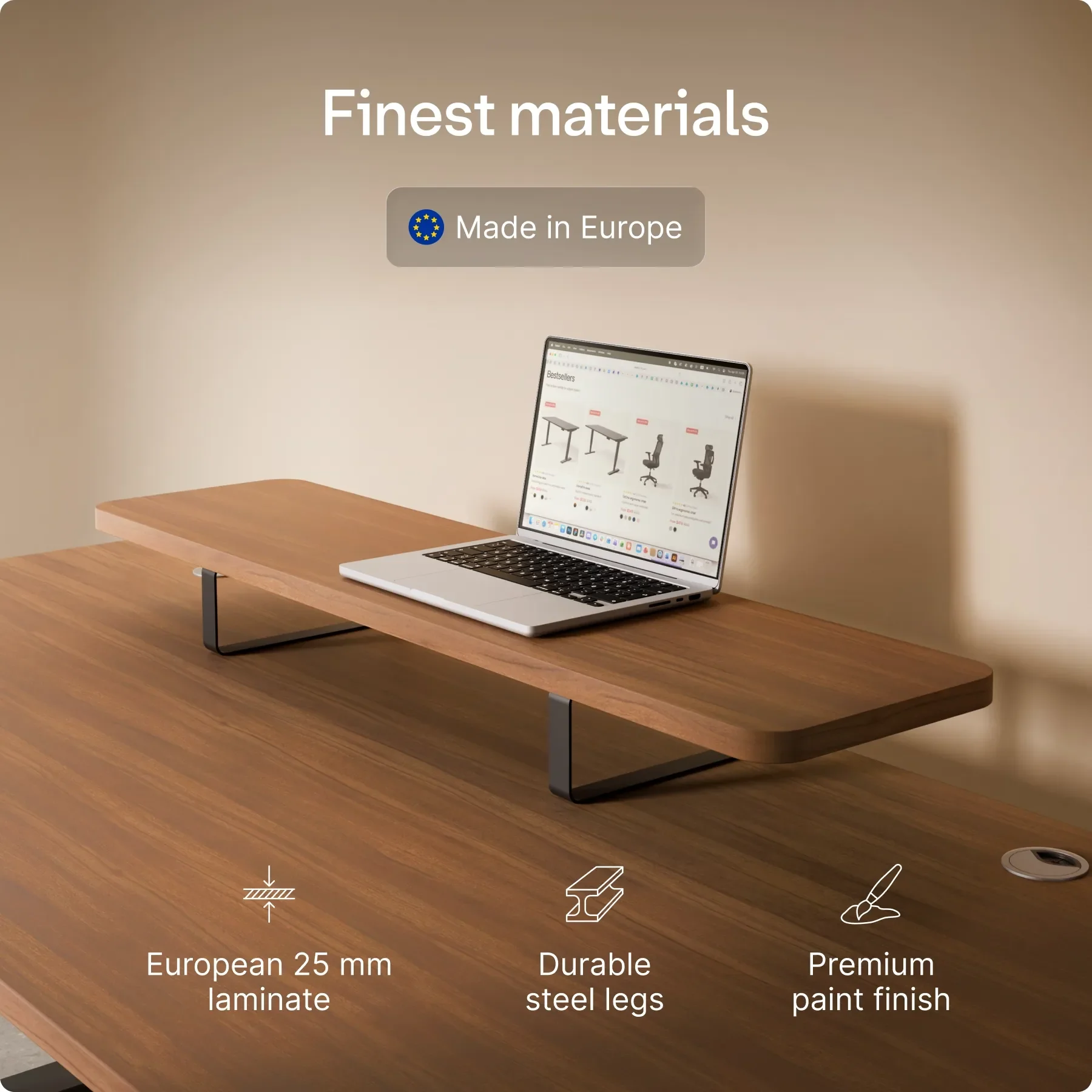
Surface options from Desktronic range from natural wood veneer that brings warmth to your space to industrial-style materials that complement contemporary interiors. Your desk surface should reflect your aesthetic preferences while providing the durability needed for daily work.
Premium Seating: Supporting Your Spine
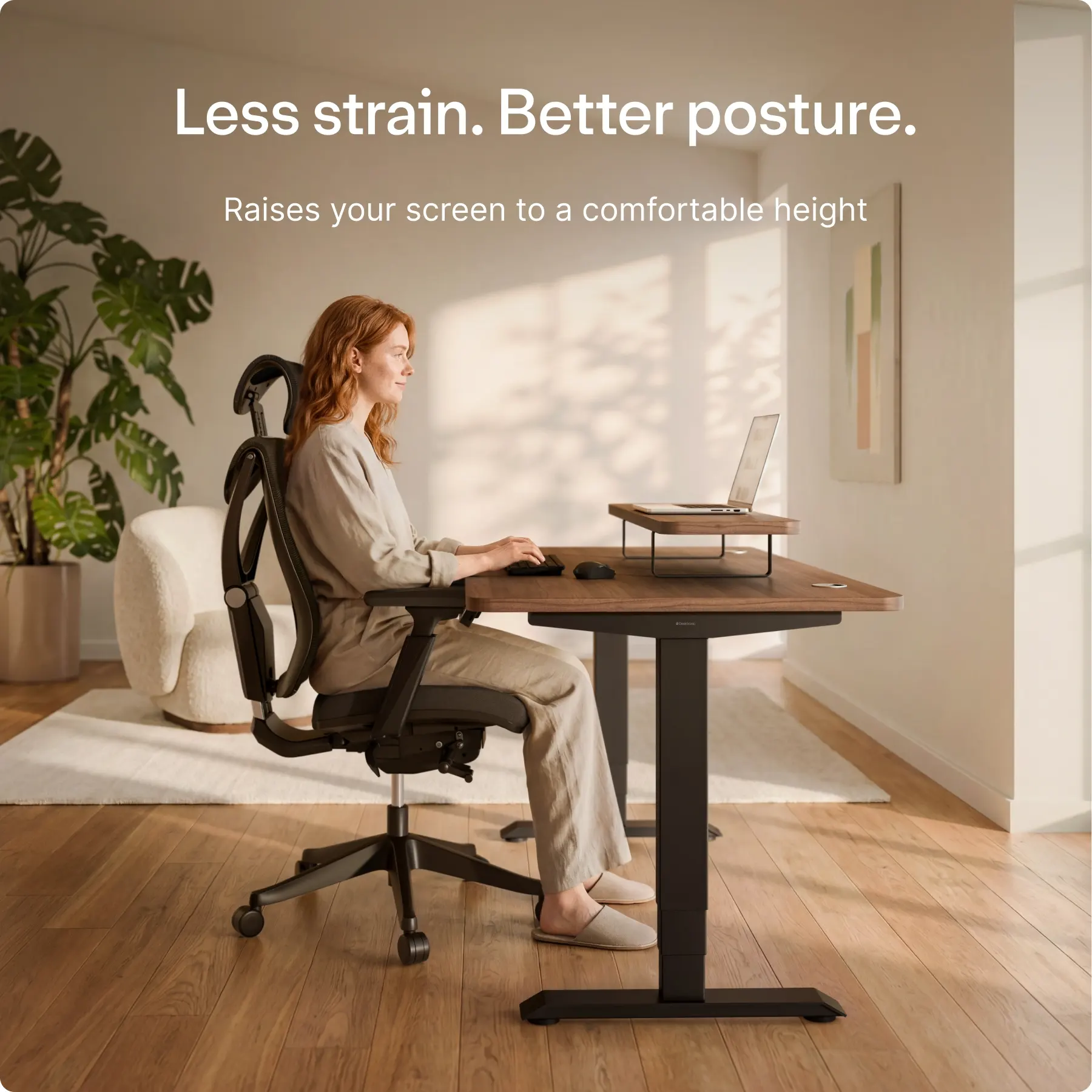
Your office chair deserves as much attention as your desk. An uncomfortable chair causes immediate distraction and cumulative damage to your spine. Desktronic carries ergonomic chairs engineered with your physiology in mind. The lumbar support contours match the natural curve of your spine, preventing the slouching that happens gradually in poorly designed chairs.
Adjustability is essential. Desktronic chairs offer adjustable armrests that move up and down, forward and backward, accommodating your specific arm length and preferred position. The seat height adjusts to maintain your feet flat on the floor or footrest, with your knees bent at approximately 90 degrees—the gold-standard ergonomic position.
The fabric and padding matter too. Quality materials breathe, allowing hours of sitting without the discomfort that comes from cheap upholstery. Desktronic selections prioritize both comfort and durability, ensuring your chair remains supportive and attractive for years.
Monitor Positioning: Preventing Neck Strain
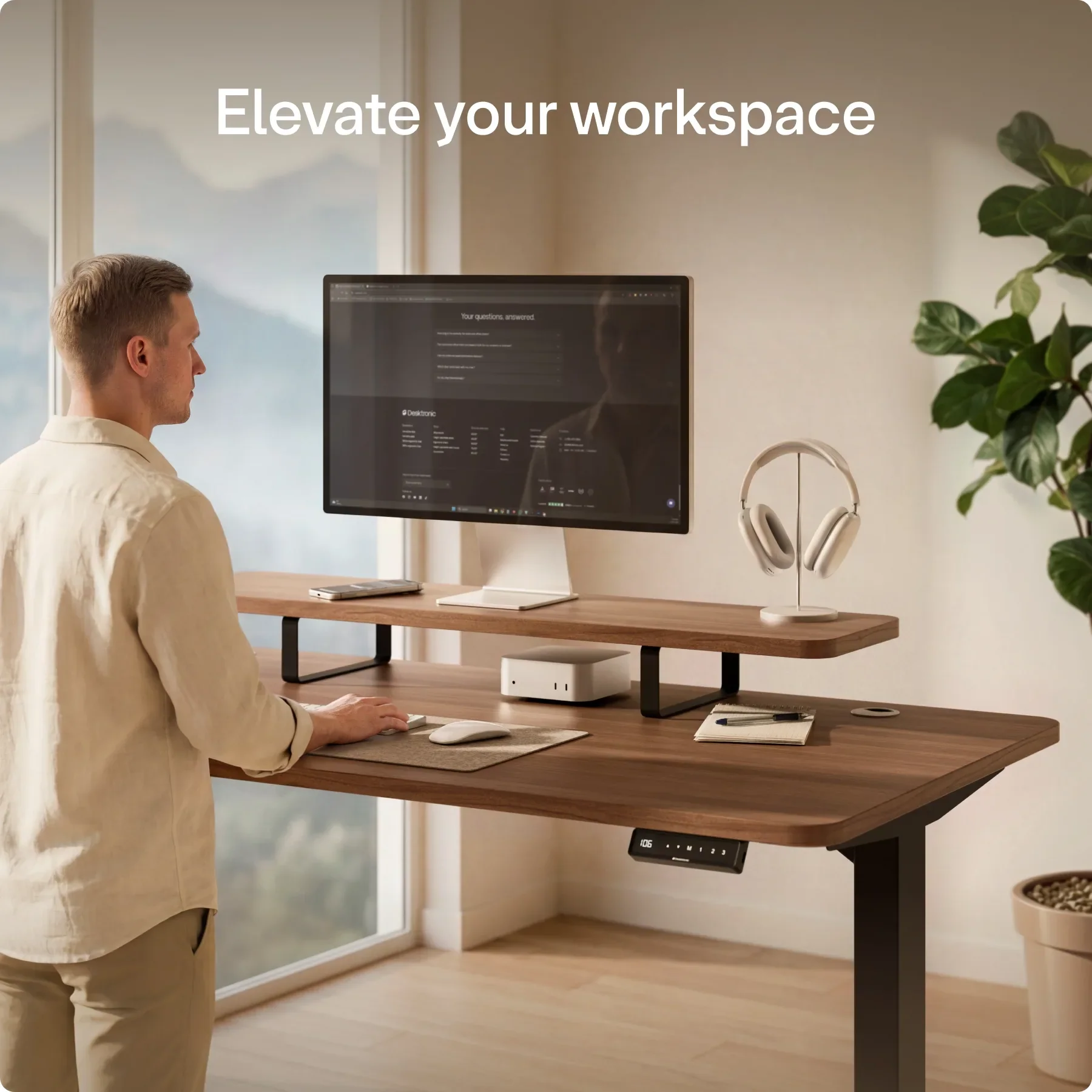
Monitor height is often overlooked, yet it profoundly impacts your neck and upper back comfort. The top of your monitor should be at eye level when you’re sitting upright. Too low and you crane your neck downward; too high and you stretch your neck upward. Both create cumulative strain.
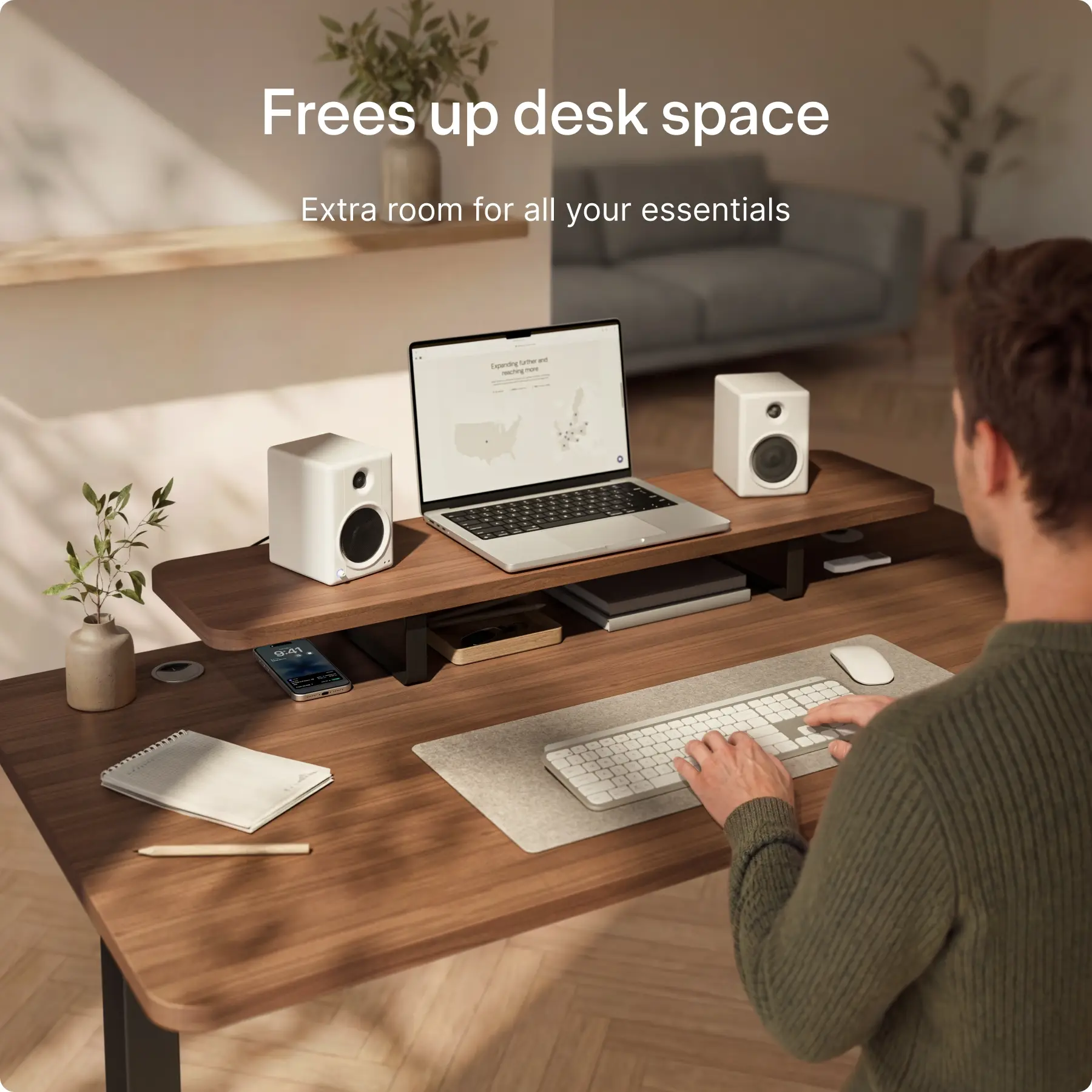
Desktronic monitor stands solve this perfectly. They elevate your screen to the correct height while also providing storage beneath for keyboards, paperwork, or office supplies. If you use multiple monitors, Desktronic offers specialized mounts that position screens side-by-side at identical heights, eliminating the neck rotation that happens with misaligned displays.
Keyboard and Mouse Setup: Reducing Wrist Strain
Repetitive strain injuries develop gradually, often unnoticed until they become serious. Desktronic keyboards and input devices are designed to minimize wrist strain during extended typing sessions. Ergonomic keyboards feature split designs that let your hands rest in their natural neutral position rather than twisted inward.
Mouse placement matters equally. Desktronic offers ergonomic mice that promote a neutral hand and wrist position, reducing the pronation strain that comes from traditional mice. Some models feature vertical designs that keep your forearm more aligned with your hand.
Combined with an adjustable keyboard tray from Desktronic, your entire input setup can be positioned so your elbows rest comfortably at your sides with your wrists straight and your hands at the correct height relative to your chair.
Lighting and Eye Comfort
Poor lighting causes eye strain, headaches, and reduced focus. Desktronic lighting solutions eliminate these problems. Their LED desk lamps offer adjustable color temperature—brighter, cooler light during focused work and warmer tones during afternoon and evening to support natural circadian rhythm.
Quality lighting also includes flicker elimination, a feature that matters more than most people realize. Imperceptible flickering from cheap lights causes cumulative eye strain and fatigue. Desktronic lamps deliver perfectly stable, flicker-free illumination.
Organizational Tools for Mental Clarity
A cluttered workspace clutters your mind. Desktronic provides organizational solutions—cable management systems that hide unsightly wires, desk organizers that keep supplies accessible but out of sight, and filing systems that keep papers organized. A clean workspace promotes focus and reduces the cognitive load of visual clutter.
Your Complete Ergonomic Workspace Awaits
Building an ergonomic office with Desktronic is about prioritizing your health and performance. Start with your desk and chair, the two foundational elements, then layer in monitor positioning, input device ergonomics, and proper lighting. Your future self the one without chronic neck pain, back strain, or eye fatigue will thank you profusely for this investment.